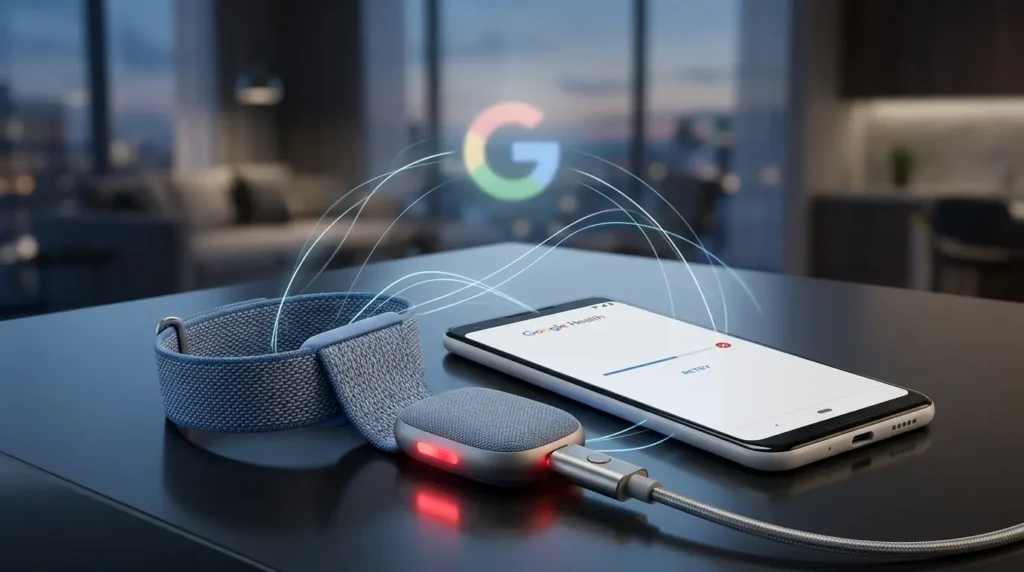
Your step count is frozen at yesterday’s total and the Google Health app refuses to refresh. Before you reset anything, work out whether the failure is on Google’s servers, on your phone, or on the $99.99 tracker itself.
The order matters, because half the fixes circulating online destroy pairing data that did not need to be touched.
Key Takeaways
- Google publishes a live status dashboard at status.healthapp.google.com. A server-side sync outage cannot be fixed from your phone, and Google has already had one this year.
- The Fitbit Air has no screen, so standard Fitbit troubleshooting steps that reference a clock face or an on-device Settings app do not apply. The status LED and the charger button replace both.
- Uninstalling the Google Health app does not delete your history. Your steps, sleep, and heart rate live in your Google account, not in the app package on your phone.
First, Check Whether Google Is Down
Google runs a dedicated status dashboard for the Google Health service. If sync is listed as disrupted there, no amount of re-pairing will help, and re-pairing during an outage can leave your tracker in a half-configured state.
On July 15, 2026, a sync outage hit Google Health for roughly seven hours, affecting Fitbit trackers and Pixel Watches alike. Google confirmed on its incident page that the failure applied to all users, and later added that Health Coach summaries were also degraded.
Downdetector is the faster informal signal, but the incident page is the authoritative one. Check it first, then wait.
The Three-Link Chain a Sync Has to Complete
A Fitbit Air sync is not one connection. It is three, and any one of them can break silently while the other two look healthy.
| Link | What it requires | Symptom when it fails |
|---|---|---|
| Air to phone | Bluetooth Low Energy, device in range | Last sync timestamp stops advancing |
| App to Google account | Active Wi-Fi or cellular data | App opens, tiles stay empty or stale |
| Account to third-party apps | Authorized integration | Google Health is current, Strava or MyFitnessPal is not |
Find your real last-sync time
Open the Google Health app, tap Connections at the top left, and select your device. The last synced timestamp appears under the device image. That single figure tells you whether you are debugging a Bluetooth problem or an account problem.
If the timestamp is minutes old but a specific metric is missing, the transfer worked and the issue is elsewhere.
Fixes in Order of Least Damage
Work down this list. Do not skip ahead to a reinstall.
Zero-risk steps
- Pull to sync manually: open the app, tap Connections, then tap and hold and pull down until the progress bar fills.
- Confirm the tracker is charged. Firmly double-tap the Air: white light means 20 percent or more, red means below 20 percent, no light means the device is off or flat.
- Toggle Bluetooth off, wait at least three seconds, then turn it back on.
- Confirm the phone has working Wi-Fi or cellular data. The app cannot sync without internet access, even though the tracker connects over Bluetooth.
Restart territory
Restart the phone first, since it is the least disruptive of the two restarts. If that fails, restart the Air itself.
The Air has no button, so the restart runs through the charger:
- Plug the charging cable into a USB-C power source.
- Place the Air on the charger and leave it there.
- Hold the button on the back of the charger for 10 seconds, until the status light on the side flashes white.
- Release. A restart preserves all activity data.
Read the Status Light Before You Panic
The Air communicates entirely through one LED. One of these patterns explains a large share of “stuck” syncs.
| Light pattern | Meaning |
|---|---|
| Pulsing white | Charging |
| Fast blinking white | Firmware updating |
| Flashing red | Battery below 20 percent |
| Solid red | Battery critically low |
A firmware update in progress looks exactly like a stalled sync from inside the app. Leave the device alone until the fast blink stops.
The Permissions Most Air Owners Miss
Permission resets after an OS update are the most common cause of a tracker that worked yesterday and does not today. The required set differs by platform.
| Platform | Permissions that must be on |
|---|---|
| Android | Location, Nearby devices (Android 12 and later) |
| iPhone | Bluetooth, Background App Refresh, Cellular Data |
Background App Refresh is the quiet one on iOS. With it disabled, the Air will sync when you open the app and never in between, which reads as random data gaps rather than an outright failure.
Check these under Settings, then Apps, then Google Health.
When to Clear the Bluetooth Profile
Forgetting the device is a genuine reset of the pairing, and it belongs late in the sequence rather than early. On iPhone, open Settings, tap Bluetooth, tap the information icon next to your Fitbit device, and select Forget This Device. Reopen Google Health and approve the pairing prompt when it appears.
Android handles this the same way through Connected devices and Forget.
Do not clear the profile while a firmware update is running. Doing so during a fast blinking white light can interrupt the transfer.
Duplicate Devices on the Same Account
A Fitbit device syncs with one phone at a time. A second phone or tablet nearby, signed into the same Google account with Google Health installed, will compete for the connection and win at random.
Google’s own first troubleshooting step is to uninstall the app from any other nearby device and remove the tracker from that device’s Bluetooth list. Old trackers still listed under Connections cause the same contention.
One combination is explicitly supported: the Fitbit Air and a Pixel Watch can pair to the same account simultaneously, with data filtered by device in the app. If you are still weighing which screenless tracker to keep on your wrist, our screenless tracker comparison between the Garmin CIRQA and the Fitbit Air covers the trade-offs.
What a Reinstall Does and Does Not Erase
Uninstalling and reinstalling Google Health removes the app, not your history. Steps, sleep stages, heart rate, and workouts are stored against your Google account and reappear after you sign back in.
Two caveats matter before you tap uninstall.
- Verify your phone runs a supported OS version first. If it does not, you will be unable to reinstall the app afterward and will be locked out entirely.
- Any data still sitting on the tracker and not yet synced is a separate question. A reinstall does not touch it, but a factory erase of the device does.
This is also where the platform bridge can break independently. Apple Health and Health Connect integrations are separate authorizations that survive a reinstall inconsistently, a pattern we documented in our breakdown of what actually syncs between the Garmin CIRQA and Apple Health.
When It Is Actually a Hardware Fault
Three signals point at the device rather than the software stack.
- No LED response to a firm double-tap after 30 minutes on the charger.
- No pulsing white light when placed on the charger, which indicates a charging fault rather than a sync fault.
- The tracker only fails after a band swap.
That last one is specific to the Air’s pebble design. If the module is not seated with the alignment markings lined up, the LED will not respond to a double-tap. Pop it out, rotate it, and press it back in until it snaps.
If the hardware is genuinely dead and you are pricing alternatives, our cost comparison of the Garmin CIRQA against Whoop 5.0 covers the subscription math.
FAQ
No. Your activity, sleep, and heart rate data is tied to your Google account and downloads again when you sign in. Confirm your phone meets the current OS requirement before uninstalling, because an unsupported version will block the reinstall.
Fitbit devices connect to one phone at a time. If a second phone or tablet nearby is signed into the same account with Google Health installed, the two devices contend for the Bluetooth connection. Uninstall the app from the phone you are not using and remove the tracker from its Bluetooth list.
No. The Fitbit app became Google Health on May 19, 2026, with the rollout completing by May 26, and there is no supported way to revert. Standalone Fitbit account logins stopped working on the same date, so a Google account is now mandatory.
Google does not publish an official sync duration for the Fitbit Air. In practice a manual pull-to-sync completes while the progress bar is on screen, typically within seconds for a day of routine data. A pull that spins for more than a minute points at the Bluetooth link or a server-side incident rather than data volume.