Key Takeaways
- 16 GB DDR5 is the non-negotiable floor: 8 GB creates measurable bottlenecks in modern gaming and multitasking workloads. There is no functional argument for less in 2026.
- GPU selection defines your investment window: An RTX 4050 or 5050 with DLSS and Frame Generation support extends competitive performance by at least two additional years versus older architectures.
- Sub-$1,100 AAA gaming is now structurally viable: Sustained competitive pressure from ASUS, HP, Lenovo, Acer, and MSI has pushed capable hardware into a price bracket that was previously inaccessible.
The State of Gaming Hardware in 2026
The entry barrier for quality gaming has dropped structurally. Manufacturers including ASUS, HP, Lenovo, Acer, and MSI compete in a segment that now delivers hardware previously reserved for premium tiers two years ago.
The primary driver of this shift: the integration of Neural Processing Units (NPUs) into current-generation silicon. These dedicated processors, present in Intel Core Ultra and AMD Ryzen AI chips, optimize performance in real time, reduce thermal load, and extend battery life under mixed workloads.
On the graphics side, the NVIDIA RTX 50 series has begun democratizing functions previously exclusive to the high-end segment. The RTX 5050 and the established RTX 4050 are now common below $1,100, both with full DLSS and Frame Generation support.
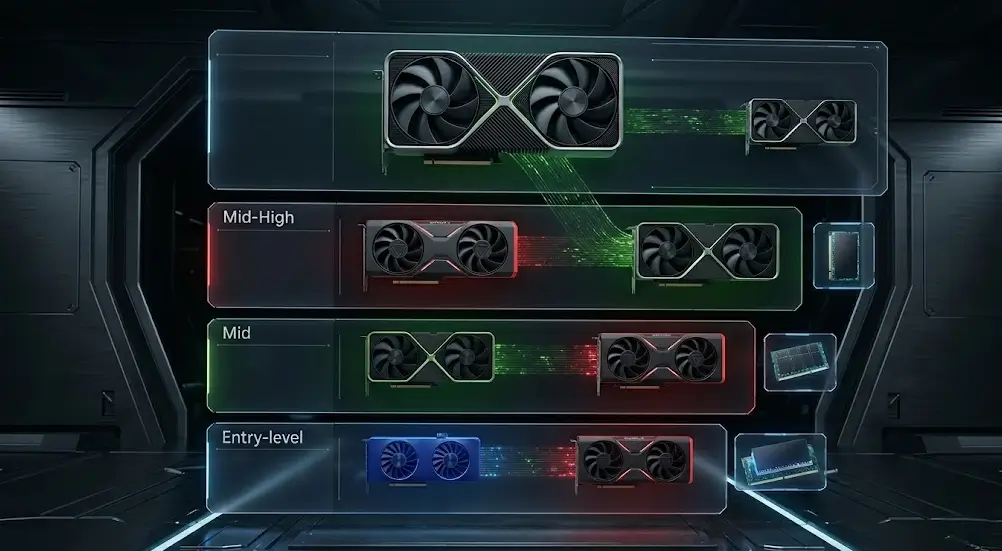
To understand how current GPU architectures map to this price range, the analysis of the best graphics cards by price range in 2026 provides the essential market context.
Minimum Standards to Demand in This Price Range
| Component | 2026 Minimum Standard | Why It Matters |
|---|---|---|
| Processor | Intel Core i5-13420H / Ryzen 5 7535HS | No bottlenecks in multitasking or demanding titles |
| RAM | 16 GB DDR5 5200 MHz | The actual threshold for fluid gaming in 2026 |
| Storage | 512 GB NVMe Gen 4 SSD | Instant load times, capacity for 3-4 AAA titles |
| GPU | NVIDIA RTX 4050 / 5050 (6 GB VRAM) | Access to DLSS, Frame Generation, and basic ray tracing |
| Display | 15.6″ Full HD at 144 Hz | Critical for competitive gaming where every frame is a variable |
1. Acer Nitro V 15: Maximum Performance per Dollar Spent
The Nitro V 15 is the value-per-dollar reference in this category for 2026. Available between $970 and $1,055, it delivers specifications that competing brands reserve for more expensive configurations.
Its design has matured: the aggressive red trim is gone, replaced by a more neutral chassis profile that does not announce itself in a professional or academic environment.
Performance: Equipped with the RTX 5050, it sustains over 90 FPS at high settings with DLSS active in demanding titles. The 13th-generation Intel Core processor handles light video editing and 3D modeling without compromising available gaming headroom.
Thermal management: The dual-fan system is functional but operates at high RPM under full load. Intake vents are positioned to prevent heat accumulation in the WASD zone. For extended sessions in warm ambient conditions, a cooling pad is a worthwhile peripheral investment.
Estimated price: $970 – $1,055
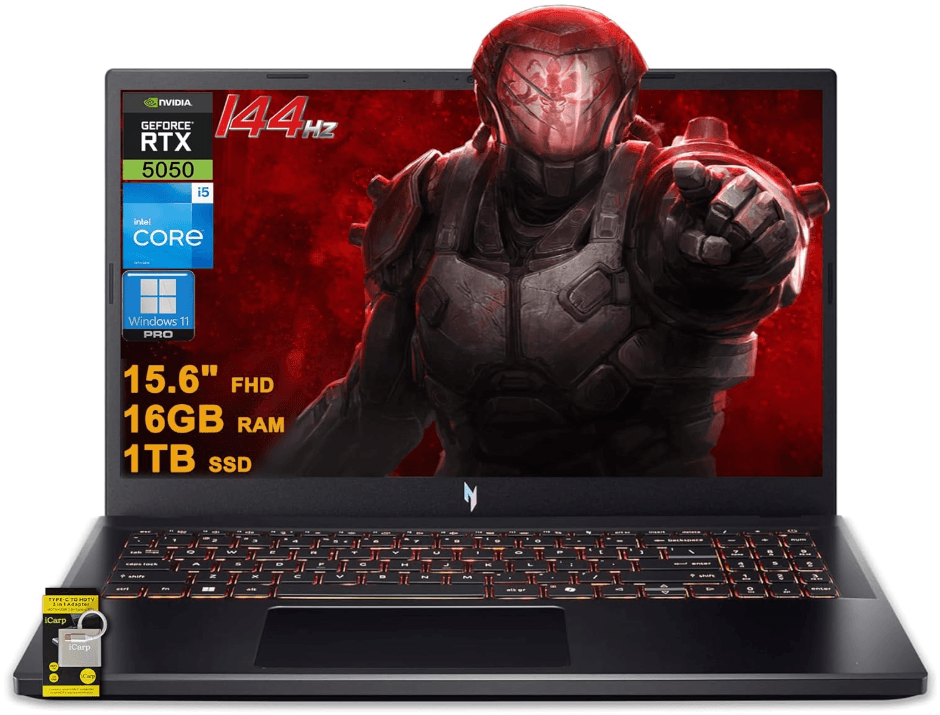
Acer Nitro V 15 Gaming Laptop 15.6″ – 165Hz Intel i5 – 16GB – 1TB SSD – GeForce RTX 5050
Price: $999
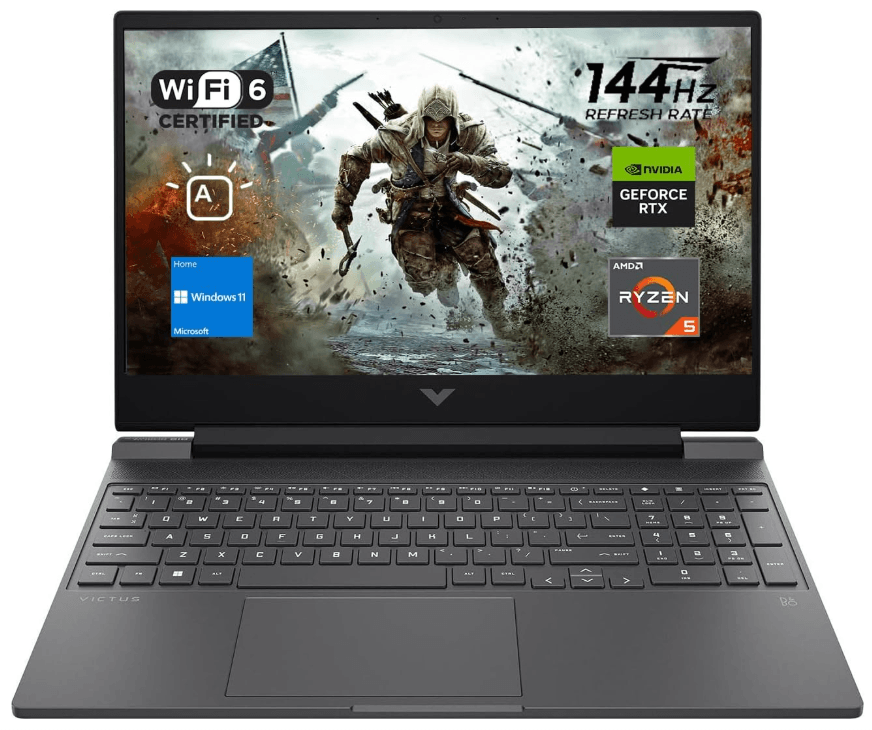
2. HP Victus 15: The Balanced Option for Work and Play
The HP Victus 15 has gained traction in the sub-$1,100 segment for one concrete reason: build quality. Unlike competitors that rely on flexible plastics throughout the chassis, the Victus feels structurally solid – a decisive factor for users who transport the machine daily.
Display: IPS panel at 144 Hz with wide viewing angles. It transitions cleanly between gaming sessions and content consumption without visible color degradation at off-axis positions.
Battery endurance: Up to 6.5 hours of light use, a figure that outperforms most direct competitors in this bracket. This positions the Victus as the strongest option for the university or hybrid-work user who needs processing power for intensive projects and genuine portability through a full day away from an outlet.
Estimated price: $920 – $999
HP Victus 15 Gaming Laptop – 144Hz – AMD Ryzen 5 – 16GB DDR5 RAM – 512GB SSD – NVIDIA GeForce RTX 2050
Price: $729
3. MSI Thin 15: Portability Without a Performance Penalty
MSI redefined the slim gaming laptop with the Thin 15. Weighing just over 1.8 kg (4 lbs), it packages high-caliber hardware into a profile that reads as a standard office ultrabook.
Where it excels: eSports titles including Valorant, League of Legends, and Counter-Strike 2. The high-refresh display combined with the power efficiency of the RTX 40 or 50 series delivers minimal response times. keyboard features short, precise actuation travel designed for rapid inputs.
The thermal trade-off: The ultra-thin design requires fans to operate at high RPM under sustained load. MSI employs Cooler Boost technology to compensate, but elevated fan noise under load is the inherent cost of concentrating this level of performance in a compact form factor.
Estimated price: $830 – $899
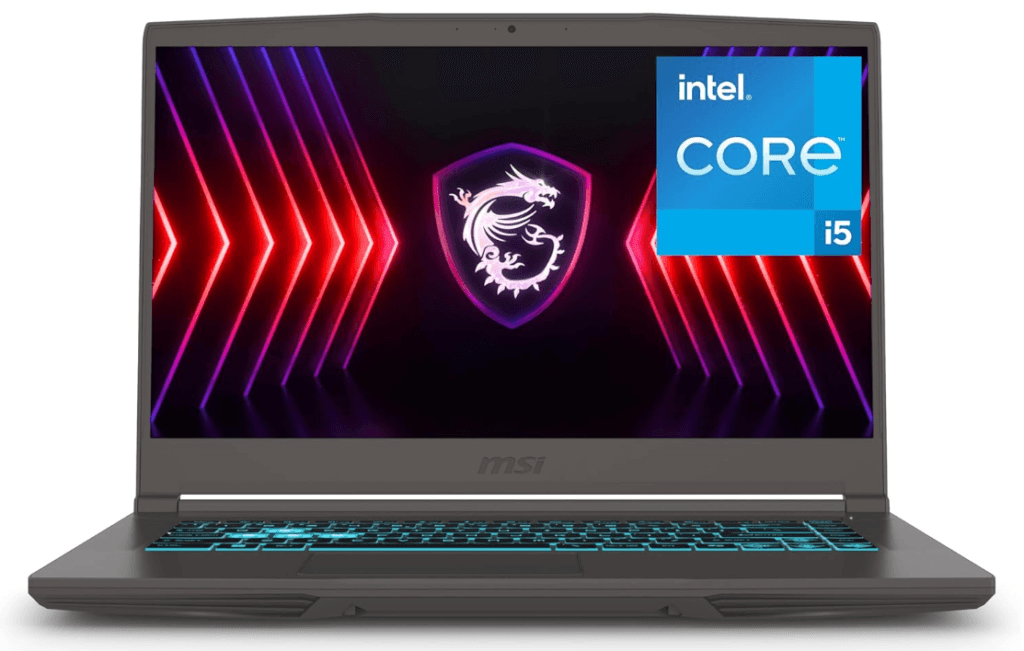
MSI Thin 15 – 15.6″ – 144Hz – Intel Core i5 – RTX 4050 – 16GB – 512GB SSD
Price: $838
4. Lenovo LOQ 15: Legion DNA at a Lower Entry Point
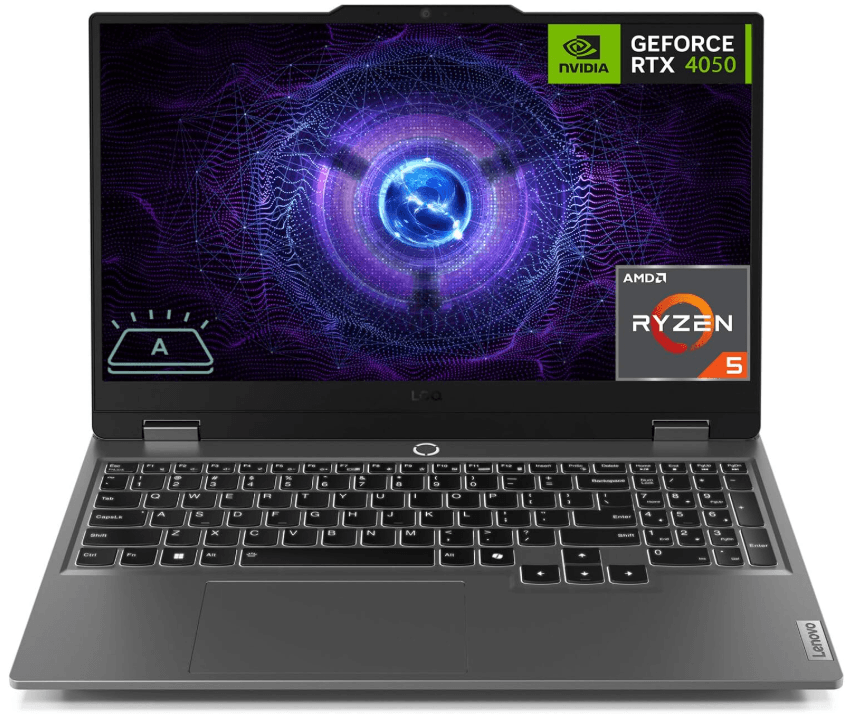
The Lenovo LOQ 15 was built to democratize Legion-series technology, and in 2026 it delivers on that objective. Its chassis is among the most structurally robust in this segment, with one detail hardware enthusiasts value: primary ports (HDMI, Ethernet, power) positioned on the rear panel, enabling clean cable routing at a permanent desk setup.
Image fidelity: Several LOQ 15 configurations ship with 100% sRGB panels, positioning it as the strongest option in this group for entry-level content creators or designers who require accurate color reproduction for their output.
Warranty and support coverage: Lenovo maintains an established authorized service network across the US and UK. For users who prioritize post-purchase peace of mind, the LOQ offers one of the more accessible warranty and repair pipelines in this segment.
Estimated price: $999 – $1,080
Lenovo LOQ Gaming Laptop – 15.6″ – 144Hz – AMD Ryzen 5 – GeForce RTX 4050 – 16GB DDR5 – 512GB SSD
Price: $920
5. ASUS TUF Gaming A15: Durability and Battery Life in a Class of Its Own
The TUF A15 is built for users who do not intend to treat the machine with care. Certified under MIL-STD-810H, it withstands accidental drops, humidity, and extreme temperature variation – conditions common in real-world daily use outside controlled environments.
Battery: 90 Wh in its top-tier configurations. Up to 10 hours of productivity workload runtime. No competing gaming laptop at this price point approaches that figure.
AMD platform performance: The combination of Ryzen 7 (7000 or 8000 series) with the RTX 4050 delivers superior energy efficiency, translating into lower residual heat output even under maximum gaming load in titles like Forza Horizon 5 or Cyberpunk 2077.
Estimated price: $955 – $1,045
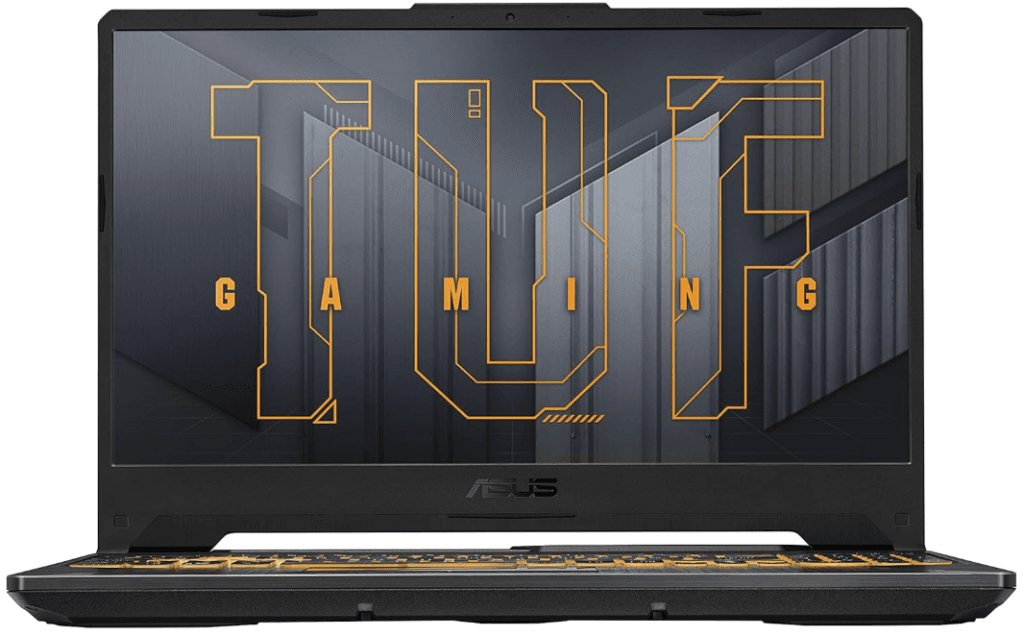
ASUS TUF Gaming A15 Gaming Laptop – 15.6” – 144Hz – NVIDIA GeForce RTX 3050 – AMD Ryzen 5 – 8GB DDR5 – 512GB
Price: $869
Technical Comparison
| Model | GPU | RAM / Storage | Primary Advantage | Estimated Price (USD) |
|---|---|---|---|---|
| Acer Nitro V 15 | RTX 5050 (6 GB) | 16 GB / 512 GB | Raw performance per dollar | $970 – $1,055 |
| HP Victus 15 | RTX 4050 (6 GB) | 16 GB / 512 GB | Build quality and battery endurance | $920 – $999 |
| MSI Thin 15 | RTX 4060 (6 GB) | 16 GB / 512 GB | Extreme portability | $830 – $899 |
| Lenovo LOQ 15 | RTX 5060 (6 GB) | 16 GB / 512 GB | Panel accuracy and support coverage | $999 – $1,080 |
| ASUS TUF A15 | RTX 3050 / 4050 | 16 GB / 512 GB | MIL-spec durability and battery life | $955 – $1,045 |
Gaming Laptop vs. Desktop PC: The 2026 Decision
This is the most frequent question before a purchase in this segment. The answer has shifted compared to previous years.
The case for a laptop: It is a complete computing ecosystem from day one – high-refresh display, keyboard, webcam, and speakers integrated without additional expenditure.
In a hybrid work and remote study context, the ability to carry your entire configured setup in a bag carries measurable practical value.
The case for a desktop: At the same sub-$1,100 budget, a desktop PC delivers between 15% and 25% more raw performance. Components operating without the space and thermal constraints of a laptop chassis work under more favorable conditions.
The hidden cost: a quality monitor, keyboard, mouse, and cabling at equivalent specifications push the real total budget well beyond that ceiling.
Integrated AI: What Changes in Your Next Laptop
In 2026, on-device AI is not a marketing abstraction. It is functional, measurable, and present across this entire price bracket.
NPUs in Intel Core Ultra and AMD Ryzen AI chips handle tasks including microphone noise cancellation, background processing in video calls, and real-time power consumption optimization – without drawing resources from the CPU or GPU.
The result: more sustained performance headroom for gaming and longer battery-powered sessions under mixed workloads.
On the graphics side, technologies like NVIDIA DLSS 4.0 use the GPU’s Tensor Cores to reconstruct frames and generate additional frames through software inference. An RTX 4050 effectively performs at the output level of a higher-tier GPU from two years prior because of this AI layer.
For users who want to understand the underlying Blackwell-class architecture driving these capabilities, the NVIDIA DGX Spark analysis covers how this silicon generation operates at a fundamental level.
How to Purchase Intelligently in This Category
Verify retailer authorization before buying: ASUS, Lenovo, and HP publish authorized reseller lists on their official sites. Purchasing through an unauthorized channel voids manufacturer warranty in most configurations. Limit your sourcing to brand direct stores, Best Buy, Amazon (sold and fulfilled by Amazon), or B&H Photo for full warranty validity.
Leverage 0% APR financing: Major US retailers offer interest-free financing through providers including Affirm and store credit programs for purchases in this range. A $1,000 machine distributed across 12 months at 0% interest reduces the immediate capital requirement without adding cost to the total.
Factor in post-purchase support: Best Buy’s Geek Squad Protection plan and Amazon’s extended electronics return window are worth calculating into your total cost of ownership. A laptop without accessible post-purchase support infrastructure is a risk at any price point in this segment.
Audit the port layout before committing: USB4 and Thunderbolt 5 implementation varies significantly across models in this price range. Confirm the connectivity specifications match your peripheral setup before purchasing.
The USB4 and Thunderbolt 5 connectivity guide clarifies what each standard actually delivers in practice, without the specification obfuscation common in manufacturer marketing.
Frequently Asked Questions
Yes, on most models in this list. The Acer Nitro V 15, HP Victus 15, Lenovo LOQ 15, and ASUS TUF A15 include two accessible RAM slots, making upgrades from 16 GB to 32 GB or 64 GB straightforward.
Standard one-year warranties cover factory defects, including failures originating in the cooling system itself. Overheating caused by blocked intake vents, dust accumulation, or use in extreme ambient temperatures falls outside standard coverage.
Yes, for a specific electrical reason: the GPU and CPU only operate at their full rated boost frequencies when the system is connected to AC power. The battery alone cannot supply the peak wattage demand under sustained gaming load. Modern laptops manage battery charge automatically at 100%, so extended plugged-in sessions do not accelerate cell degradation beyond normal charge cycling.
Any current commercial title. Competitive games including Fortnite, Warzone, and Apex Legends run above 120 FPS at competitive visual settings. AAA titles like Cyberpunk 2077 and Elden Ring deliver smooth output (60+ FPS) at medium-high settings with DLSS active.